There is a common misconception that launching a personal portfolio website requires learning web development, hiring a designer, or committing to expensive monthly hosting subscriptions.
Too many talented professionals, students, and freelancers postpone building their web presence because they think they must configure complex website builders like WordPress, Webflow, or Squarespace. They get bogged down by domain setups, broken mobile layouts, and monthly bills—all before putting their actual work in front of a single hiring manager.
In today’s market, your portfolio doesn't need complex animations. It needs to do one job exceptionally well: prove your capability to an employer or client within 30 seconds of landing on the page.
Here is a practical, step-by-step guide to building a professional personal portfolio website for free, with zero coding required.
1. Define Your Value Proposition in One Clear Headline
When a hiring manager, recruiter, or prospective client clicks your link, you have less than 5 seconds to answer three basic questions: Who are you? What do you do? What problems do you solve?
Avoid vague descriptions like "Passionate creative" or "Aspiring visionary." Instead, use a clear, functional formula:
Your Core Role or Target Title: (e.g., Frontend Engineer, Product Marketer, UX Researcher)
Your Primary Competencies / Tech Stack: (e.g., React, TypeScript, Tailwind or B2B Content Strategy, SEO, Lifecycle Marketing)
Your Professional Status: (e.g., Open to full-time roles, Available for select consulting projects, Class of 2026)
Clear positioning instantly validates that the visitor has arrived at the right profile.
2. Curate 3 to 4 High-Impact Case Studies
A portfolio is not a storage drive for everything you have ever worked on. A cluttered page with a dozen mediocre links dilutes your best achievements. Instead, select three or four projects that demonstrate the breadth and depth of your abilities.
For each project, structure the summary around four critical points:
The Objective: What was the problem you were trying to solve?
Your Specific Role: Did you lead the initiative, write the backend logic, design the interface, or conduct user interviews?
The Tools Used: List the software, frameworks, or methodologies applied during execution.
The Measurable Outcome: Share concrete figures whenever possible (e.g., "Reduced page load times by 40%", "Achieved an 'A' grade in capstone review", or "Generated 1,200 organic signups in 30 days").
If you are a student or switching careers, remember that capstone assignments, volunteer work, open-source contributions, and self-directed projects all qualify as valid case studies.
3. Showcase Verified Skills and Tech Stacks
Recruiters frequently scan portfolio sites with a mental checklist of specific qualifications. Make it simple for them to find what they need.
Organize your technical proficiencies and domain skills into logical clusters rather than an unorganized list of keywords:
Core Competencies: (e.g., Data Analysis, System Architecture, UI/UX Design)
Frameworks & Languages: (e.g., Python, SQL, React, Node.js)
Platforms & Tools: (e.g., Figma, Docker, AWS, Google Analytics)
Grouped categories allow recruiters to quickly verify your technical alignment with their open job requirements.
4. Remove Friction from Contacting You
One of the most overlooked flaws on custom portfolio websites is a clunky contact form that requires visitors to enter multiple fields and complete CAPTCHAs. Busy recruiters and founders will rarely fill out a long web form.
To maximize responses:
Make your direct email address clickable.
Provide a direct link to your active LinkedIn or GitHub profiles.
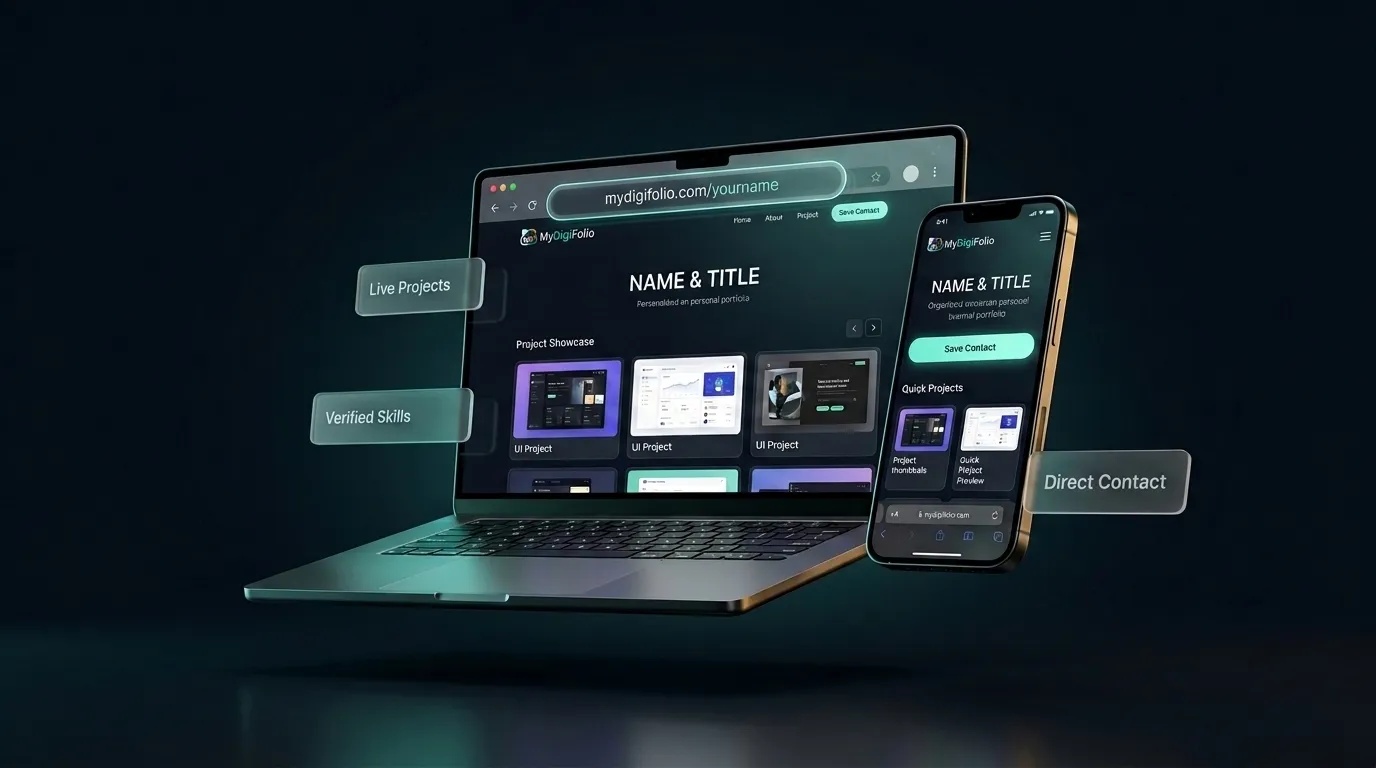
Offer a downloadable digital vCard so mobile visitors can save your contact details directly to their phone with one tap.
5. Why Traditional Website Builders Drain Your Momentum
Before spending money on website hosting or drag-and-drop builders, consider the hidden friction that comes with general-purpose site tools:
Recurring Fees: Platforms like Squarespace or Wix typically charge between $16 and $35 every month just to keep a simple portfolio live.
Maintenance Overhead: Keeping mobile layouts aligned, updating software plugins, and renewing SSL certificates requires ongoing manual effort.
No Synchronization with Your Resume: Traditional website builders only host web pages. When you update your website, your PDF resume, email signature, and business cards remain outdated, forcing you to maintain four separate assets by hand.
6. Build and Launch in Under 10 Minutes with MyDigiFolio
If you want a modern, high-converting portfolio website without spending money or wrestling with templates, MyDigiFolio provides a unified solution built specifically for professional careers.
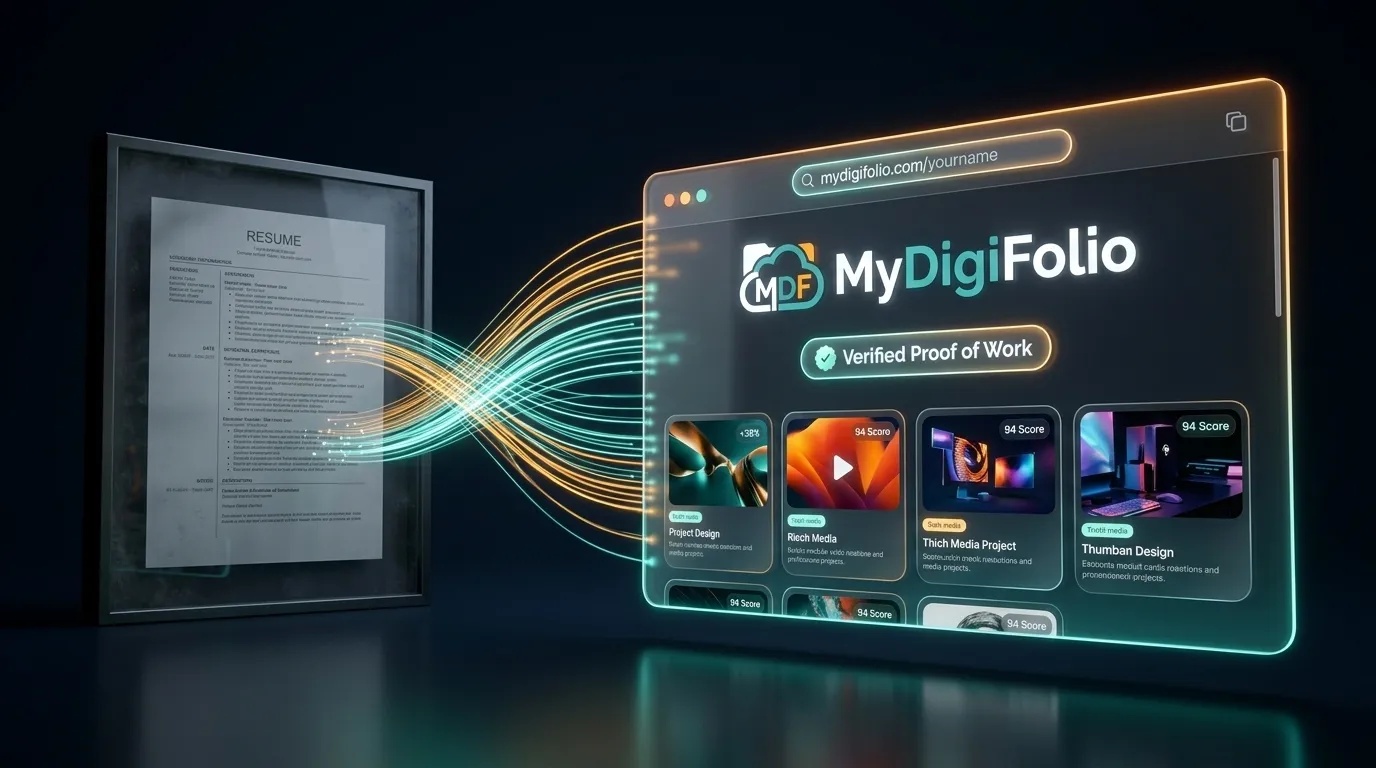
Instead of building a website from scratch, you enter your background, projects, and skills into your dashboard once. The platform automatically generates four integrated career assets:
Your Free Custom Web Portfolio: A sleek, mobile-optimized showcase hosted at
[mydigifolio.com/yourname](https://mydigifolio.com/yourname), ready to display your projects, bio, and verified credentials.ATS-Optimized Resumes: Instant PDF and DOCX downloads engineered to pass corporate Applicant Tracking System filters with top marks.
Scannable vCard QR Code: A digital contact card you can display on your phone screen to share your credentials instantly at meetups, interviews, and conferences.
HTML Email Signature: A professional, clickable signature block compatible with Gmail and Outlook that turns everyday emails into portfolio traffic.
When you finish a new project or earn a certification, you update it once on your dashboard—and your live portfolio website, downloadable resume, and contact card update together in real time.
Best of all, it is 100% free forever, requires no credit card, and takes less than 10 minutes to set up.
👉