When you have built projects, written code, or designed interfaces you are proud of, adding a link to your online portfolio seems straightforward. You paste the URL onto your resume, save the file, and send it out.
Yet recruiters frequently complain that candidate portfolios are difficult to find, while job seekers wonder why their site analytics show zero visits from corporate hiring teams.
The issue is rarely your work—it is where and how you placed the link.
If you bury your link in an obscure section, a human reviewer rushing through hundreds of applications will miss it. If you tuck it into document margin tools, an Applicant Tracking System (ATS) will ignore it.
Here is the definitive guide on where to position your portfolio link on a resume to ensure both algorithms and hiring managers find it immediately.
1. The Primary Location: The Contact Header (The Non-Negotiable Standard)
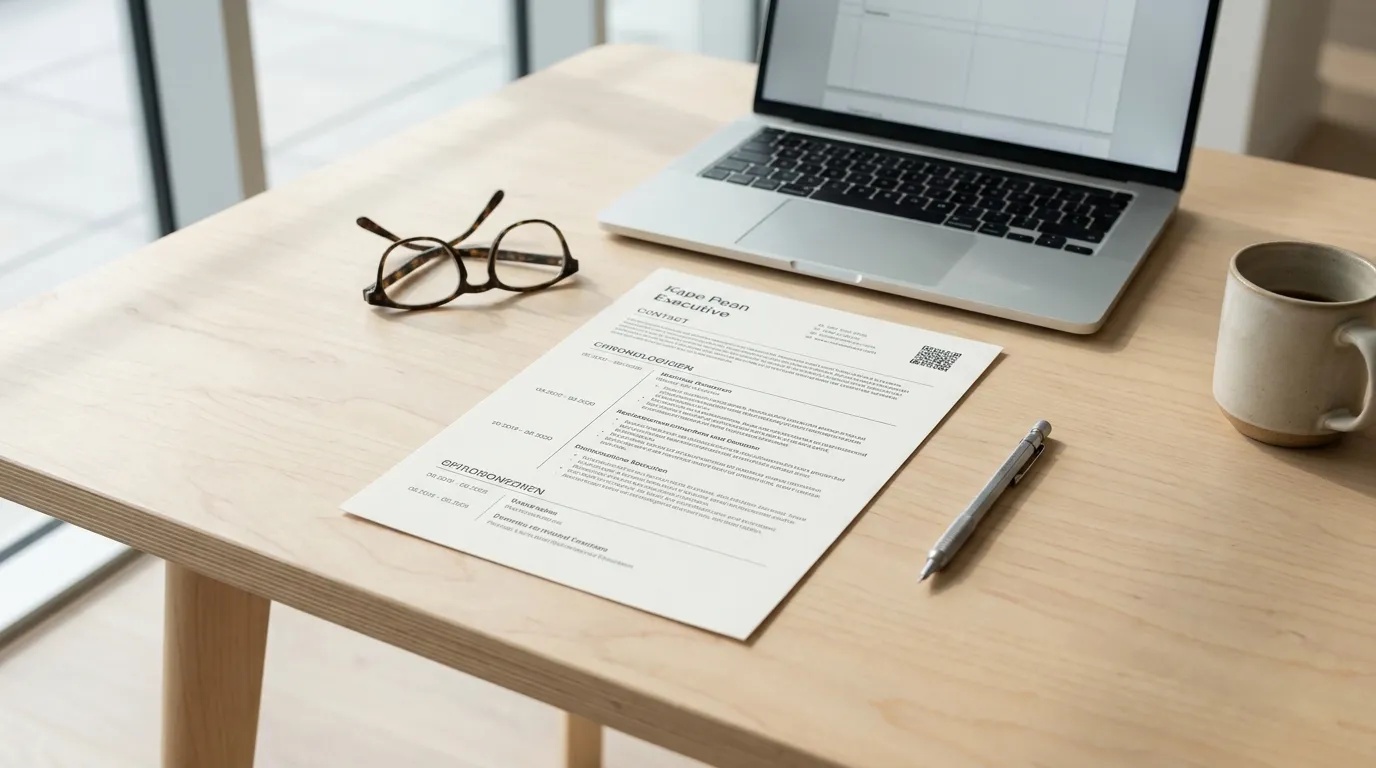
The most important place for your portfolio link is at the very top of page one, integrated into your contact header.
Recruiters are trained to look at the header immediately after reading your name. It is where they expect to find your basic details: your location, phone number, email address, and professional links.
A standard, ATS-compliant contact header follows this exact structure:
Line 1: Your Full Name (Bold, 18–24pt)
Line 2: Professional Title (e.g., Full-Stack Engineer | React & Node.js)
Line 3: City, Country • Phone Number • Professional Email
The "Main Body" Rule: Avoid Software Margin Headers
The biggest technical error candidates make in Microsoft Word or Google Docs is double-clicking the top margin to place their contact details inside the document's automated "Header" feature.
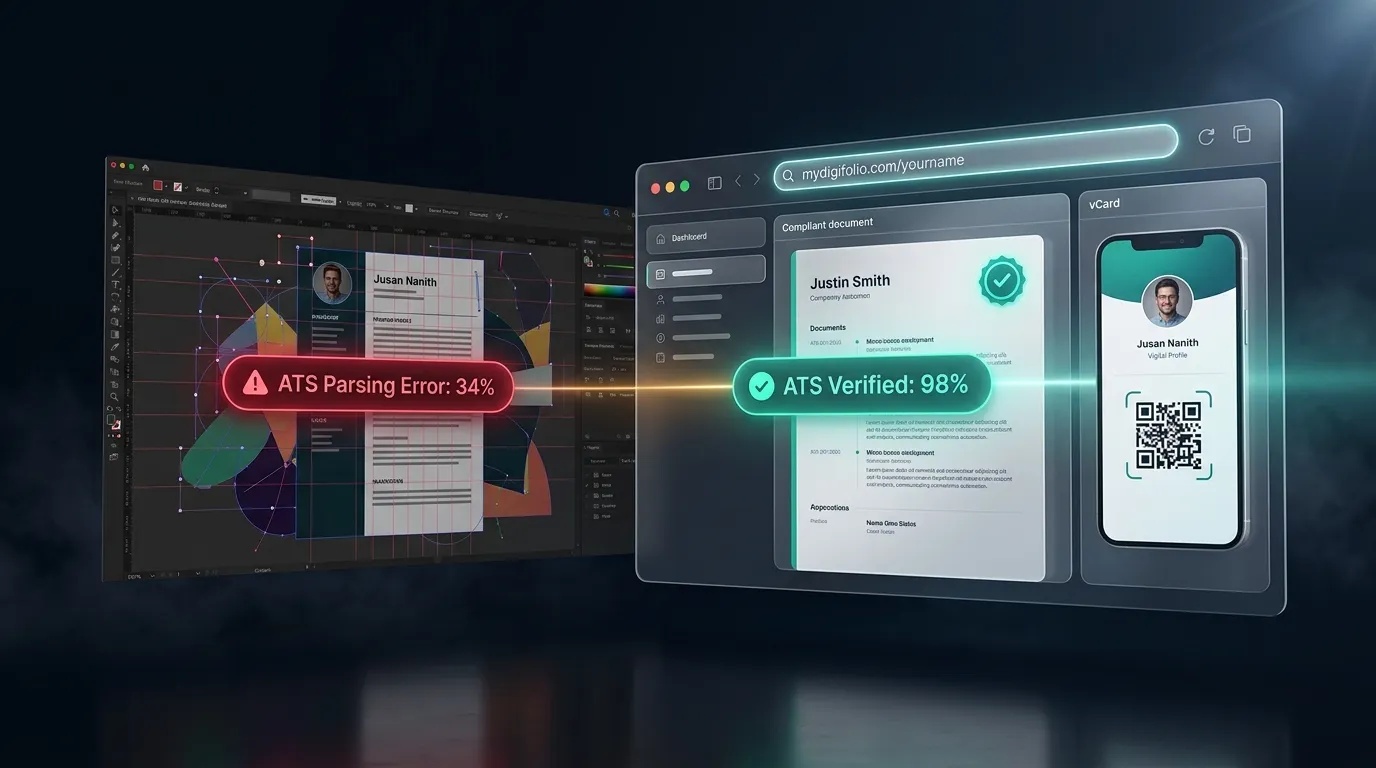
Many enterprise ATS parsers intentionally ignore the header and footer margins. Why? Because these areas usually contain repeating page numbers, document file names, or confidential confidentiality notices. If you put your contact details and portfolio link inside a margin header, the software may strip the entire block, leaving the recruiter with an anonymous profile.
Keep your contact block in the main body text of the document, resting just inside the normal 0.5- to 1-inch page margin.
2. The Secondary Location: Embedded in Individual Project Highlights
While your contact header provides the master link to your full portfolio, you can also place targeted project links directly inside your Projects or Work Experience section.
This works especially well for software engineers, product designers, writers, and marketers who want to direct reviewers to a specific deliverable:
Project Title Line: State the project name, your role, and the live link on one line.
Format Example: E-Commerce Mobile App (Lead Designer) —
mydigifolio.com/yourname/project-one Bullet Points: Follow immediately with two or three bullet points detailing the problem, your technical stack, and the measurable outcome.
This secondary placement catches the attention of technical interviewers who skip the header and jump straight to your project history to evaluate your hard skills.
3. Where NEVER to Put Your Portfolio Link
Placing your link in any of the following locations dramatically reduces your chances of getting clicks:
In the Footer: The bottom of page one is where recruiter attention hits its lowest point. In multi-page resumes, footers are routinely ignored by readers and stripped by parsers.
Buried Inside the Summary Paragraph: Writing a four-line professional summary and hyperlinking three words in the middle makes the link invisible to fast scanners. Your summary should summarize your value, not hide your links.
Inside a Floating Text Box or Sidebar: Multi-column resume builders often place contact details in a colored left-hand sidebar box. ATS parsers read across the page, causing sidebar links to get jumbled with body paragraphs.
Inside the References Section: Listing your work samples at the end of the document under "References available upon request" guarantees they will not be seen during initial screening.
4. The Printout Rule: Keep the URL Human-Readable
Even in a digital-first hiring world, hiring managers frequently print out resumes for interview panels or review them on offline PDF readers where hyperlinks can be disabled.
If your link is hidden behind anchor text like "My Portfolio" or "Click Here," a printed sheet leaves the interviewer with zero clue where to go.
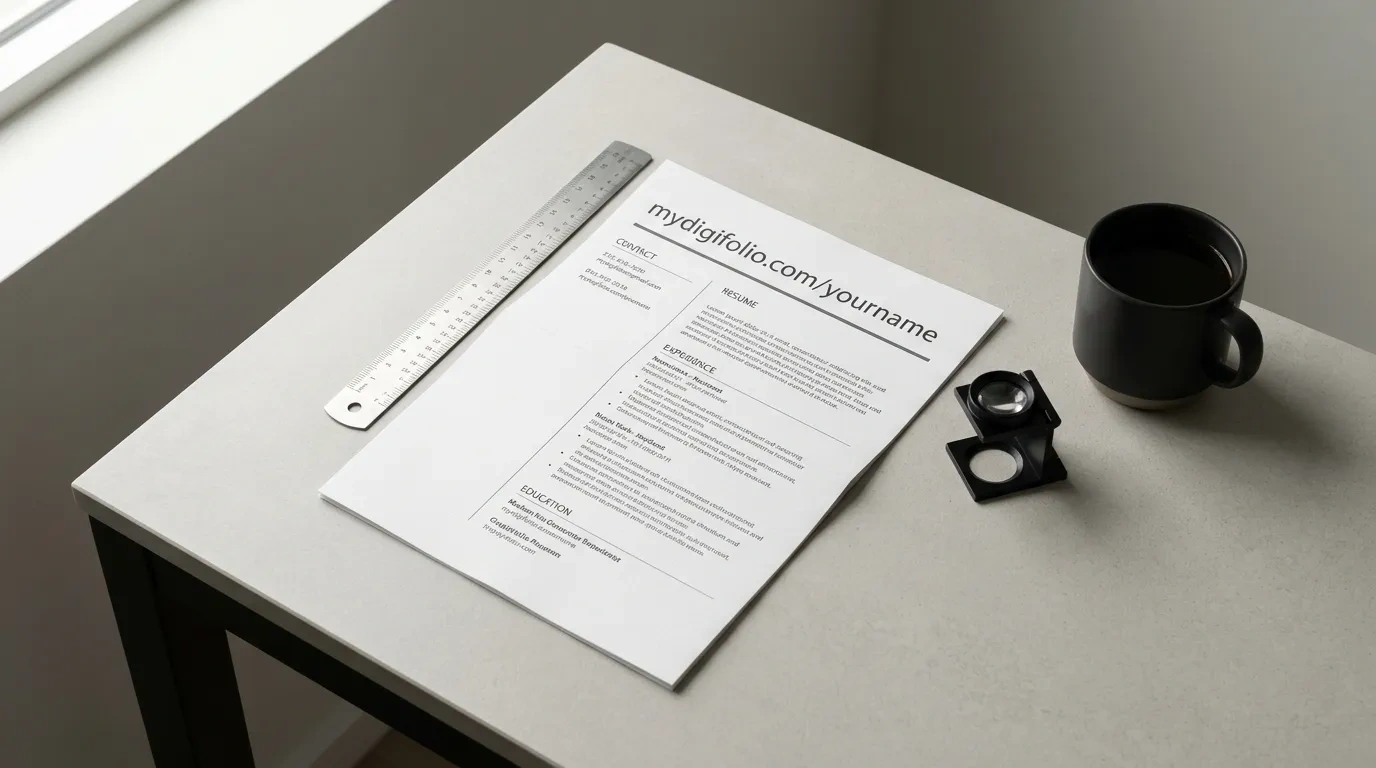
Always display the visible, short domain:
Avoid: A generic hyperlink saying "Click Here to View Work"
Avoid: A long, unformatted link with tracking codes (e.g.,
wixsite.com/user98234/site-v2?ref=resume )Use: A clean, branded URL like
mydigifolio.com/yourname
A short, recognizable web link can be typed into a mobile browser in five seconds, ensuring your portfolio remains accessible even if the digital hyperlink fails.
5. How Many Links Should You Include?
More links do not equal more interviews. Cluttering your header with links to your GitHub, Behance, Dribbble, Medium, Personal Site, Twitter, and LinkedIn creates decision fatigue. When a recruiter sees five links, they often click none.
The best practice is the Two-Link Standard:
Your LinkedIn Profile: To verify professional connections and recommendations.
Your Central Portfolio Link (e.g., MyDigiFolio): To showcase your actual projects, case studies, and downloadable credentials.
Your centralized portfolio should house your external links (like GitHub repositories or design files). Let your resume provide one clear gateway to your work rather than fragmenting recruiter attention across the web.
6. Automate Your Placement with MyDigiFolio
Formatting an ATS-compliant resume while ensuring your portfolio link is positioned and styled correctly takes time and trial-and-error.
MyDigiFolio handles the technical layout automatically:
Guaranteed ATS Placement: Generates single-column PDF and Word resumes with your personal link placed in the exact contact line where ATS parsers and human recruiters expect it.
Clean, Professional URLs: Provides a streamlined, memorable address (such as
mydigifolio.com/yourname ) that looks polished on screen and on paper.Instant Portfolio Sync: You never have to worry about an outdated link. Update your projects or skills on your MyDigiFolio dashboard once, and anyone visiting the link on your resume always sees your most recent work.
No Hosting Fees or Paywalls: Build and export your ATS resume and launch your live portfolio completely free, with no credit card required.
Make Your Work Impossible to Miss
A portfolio link only works if someone opens it. Place your link high in your contact header, keep the text clean and readable, and give recruiters an immediate reason to explore your capabilities.
Build your ATS resume and launch your live portfolio in under 10 minutes.
👉