Building your professional presence used to require juggling multiple tools, subscriptions, and file formats.
You had to find a resume builder to write your CV—only to discover at the very end that downloading your PDF required a $20-a-month subscription. Then, if you wanted an online portfolio to show your actual projects, you had to register a custom domain, pay for web hosting on a platform like Squarespace or Wix, and spend days troubleshooting mobile layout bugs.
Worse yet, every time you earned a promotion or finished a project, you had to manually update both platforms separately.
Today, you do not need coding skills, design software, or recurring monthly payments to establish an elite career presence. Here is how to set up an ATS-compliant CV and a live personal portfolio for free.
1. Why You Need Both a CV and an Online Portfolio
A common mistake job seekers make is assuming one format can replace the other. In reality, they serve two distinct stages of the hiring process:
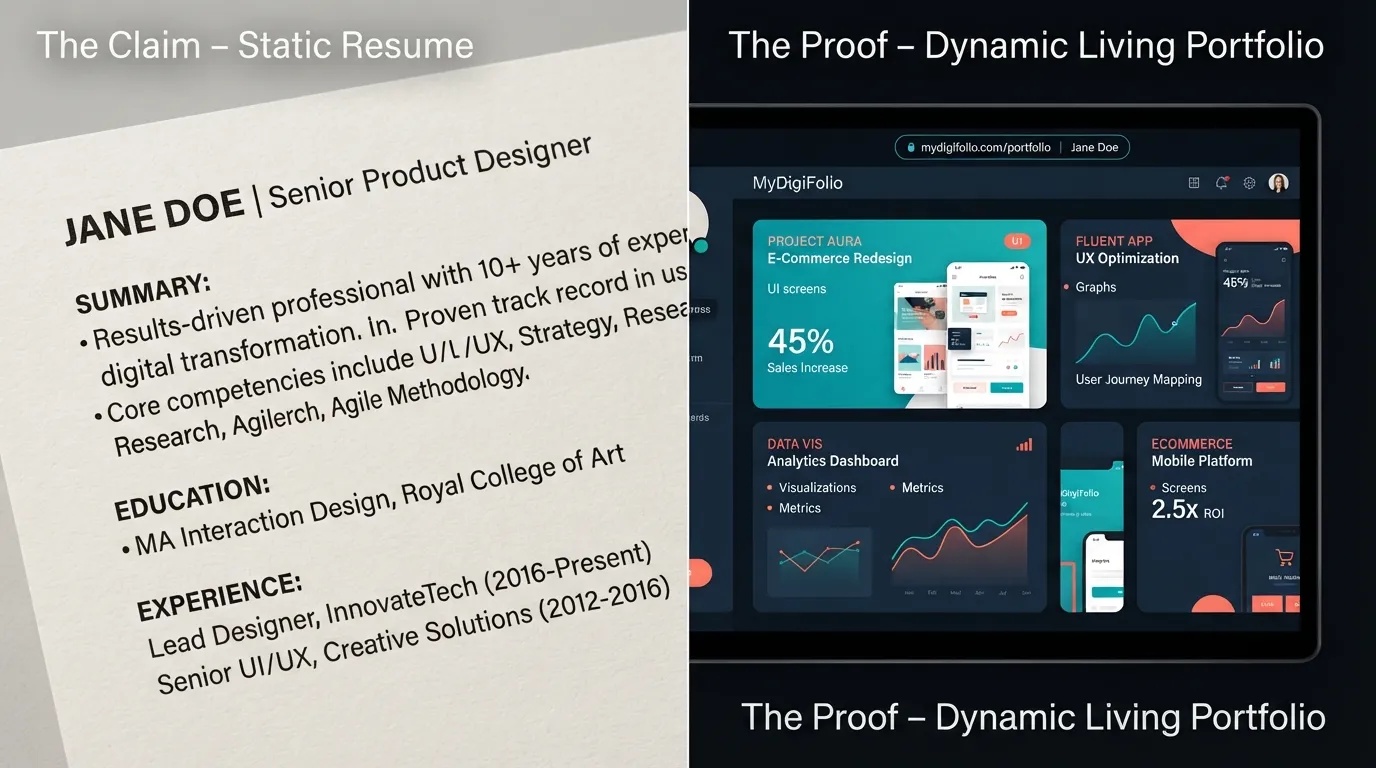
Your CV Clears the Automated Filter: When you submit an application online, Applicant Tracking Systems (ATS) scan the text for keywords, job titles, and standard section headings. For this stage, you need a clean, single-column, machine-readable document (in PDF or DOCX format).
Your Portfolio Sells the Hiring Manager: Once the ATS approves your application, a human recruiter or team lead reviews your profile. A static document only lists bullet points of what you claim you did. A live portfolio provides interactive evidence—showing real case studies, code repositories, design prototypes, and project metrics.
When your CV features a clean, clickable portfolio link in the header, you satisfy both the algorithm and the human decision-maker.
2. What to Avoid When Building Your Free CV
When searching for a free CV builder online, be mindful of common traps that hurt your job search:
Deceptive Paywalls: Avoid sites that let you build a document for free but demand credit card details or lock the file behind a paid subscription at the final export screen.
Graphic Canvas Templates: Building a CV in visual design tools often breaks ATS compliance. Multi-column text boxes, icon graphics, and decorative progress bars scramble when scanned by enterprise hiring software.
Aggressive Watermarks: Some free platforms stamp their logo across your document header, making your application look unpolished.
Your CV should always use standard fonts, clear chronological sections, and clean single-column formatting.
3. What to Include on Your Online Portfolio
Your portfolio does not need dozen of pages. In fact, recruiters spend less than two minutes reviewing candidates' sites. Focus on clarity and ease of navigation:
Clear Professional Headline: State your core title, your primary domain or tech stack, and your availability (e.g., "Full-Stack Developer | React & Node.js | Open to Remote Roles").
Three to Four Strong Projects: Highlight your best work. For each project, briefly explain the challenge, the tools you used, your specific role, and the measurable outcome.
Grouped Skills and Tools: Categorize your technical and professional abilities into organized groups so recruiters can quickly verify your qualifications.
Frictionless Contact Options: Make your email address clickable and provide direct links to your professional profiles so opportunities can reach you instantly.
4. How to Create Both for Free with MyDigiFolio
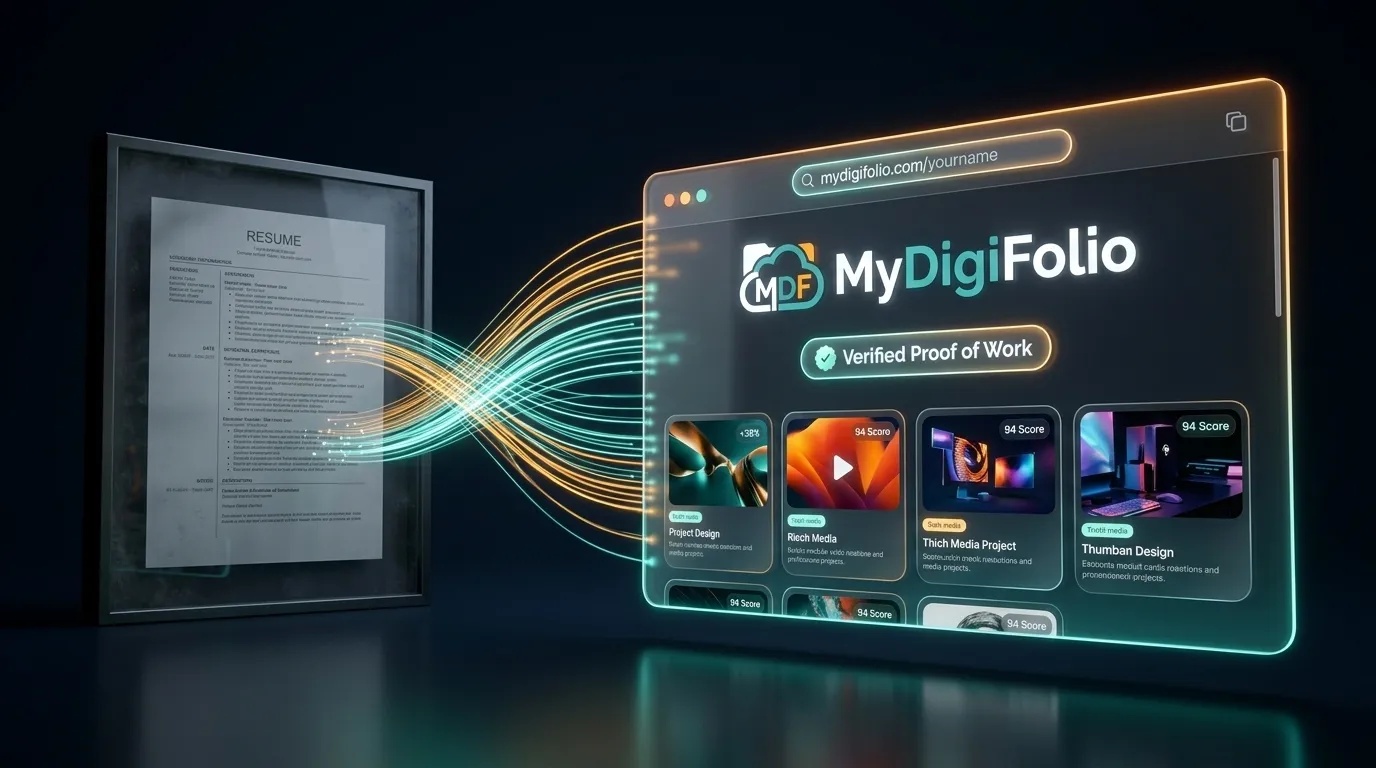
Instead of building a CV in one app and building a website in another, MyDigiFolio unifies your entire career identity into a single system.
You enter your career background, education, project milestones, and skills into your dashboard once. The platform automatically generates:
A Free ATS-Scored CV: Download clean, machine-readable PDF and DOCX files built specifically to clear corporate screening software.
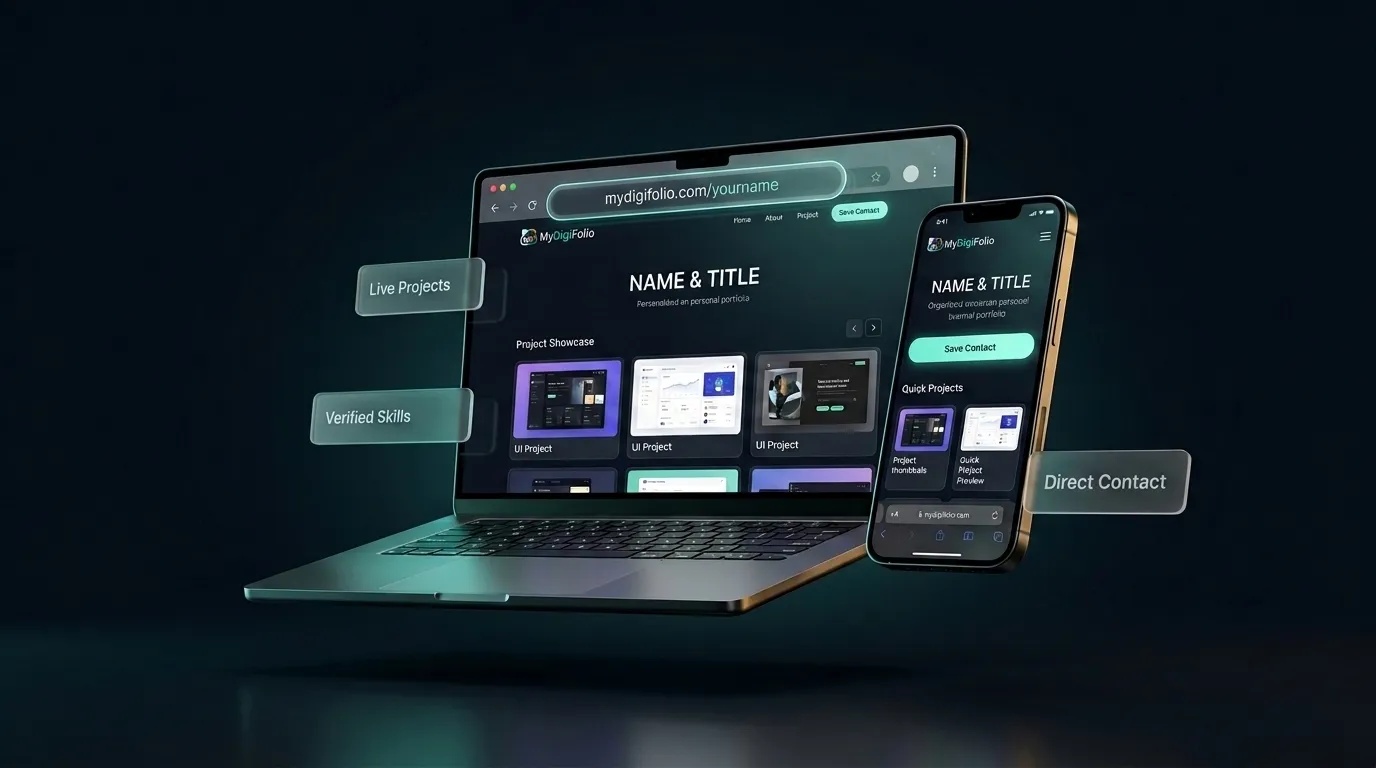
A Free Live Web Portfolio: Claim your personal link at
[mydigifolio.com/yourname](https://mydigifolio.com/yourname), complete with rich project showcases, responsive mobile design, and zero hosting fees.A Digital vCard with QR Code: Keep a scannable contact card on your smartphone to share your portfolio and contact info during in-person interviews and meetups.
A Formatted HTML Email Signature: Add a clickable sign-off to Gmail or Outlook that turns your everyday emails into a traffic driver for your work.
When you finish a new project or update your skills, you change it once on your dashboard—and your CV, live website, and digital contact card update together in real time.
It is completely free, requires no credit card, and takes less than 10 minutes to set up.
Launch Your Professional Identity Today
Stop paying monthly hosting fees and fighting deceptive resume paywalls. Build a professional presence that passes automated screening and showcases your best work to hiring managers.
👉